A 2021 Chevrolet Tracker, an Onix Turbo, a 2022 Ford Lobo, or a late-model Volkswagen Taos pulls into your service bay—or is parked in your driveway—with the Check Engine light or ABS warning light on. You follow the steps covered in our guide to reading OBD2 codes in 5 minutes: you plug your trusty scanner into the 16-pin port, turn the ignition switch to ON, the tool's screen lights up, the search progress bar hits 100%, and suddenly the message that stops any technician or car owner cold appears: "Link Error / ECU Communication Failure".
The immediate reaction is usually to blame the cigarette lighter fuse, assume someone cut a wire under the dash, or fear the engine computer is fried. However, on vehicles manufactured from 2020 onward, 9 times out of 10 the connector is completely fine: the real issue is that the vehicle communicates over the CAN-FD protocol and your legacy scanner lacks the physical transceiver chip to listen to it.
If a 2020 or newer vehicle powers on your scanner's screen (it has 12V on Pin 16 and good grounds on Pins 4 and 5) but throws a "Link Error" when trying to access the engine, brakes, or transmission, the cause is the CAN-FD protocol (Flexible Data-Rate, ISO 11898-1:2015 standard). This standard multiplies each data packet size by 8 (from 8 to 64 bytes) and boosts transmission speeds up to 5 to 8 Mbps (up to 16 times faster than classic 500 kbps CAN). An older code reader without a built-in CAN-FD transceiver cannot process that speed and drops the connection.
1. From Classic CAN 2.0 to CAN-FD: What Changed Inside the Vehicle's Wiring?
To understand this shift without getting bogged down in unnecessary electronics theory, picture your vehicle's communication network (the CAN bus on pins 6 and 14) as a highway where the engine, automatic transmission, ABS brakes, electric power steering, and airbags talk to each other. If you still have questions about the basics of this system, check out our pillar article on what an automotive scanner is and what it does.
From 2008 through 2019, virtually the entire vehicle fleet in Mexico used the Classic CAN 2.0 standard. Only "small pickup trucks" carrying 8 bytes of data fit on that highway, traveling at a maximum speed limit of 500 kilobits per second (0.5 Mbps). When a car only had between 6 and 12 modules, that bandwidth was plenty.
Starting in 2020, however, automakers added autonomous emergency braking radars (ADAS), 360° cameras, digital instrument clusters, electric power steering, and cybersecurity gateways. With more than 40 modules firing off thousands of readings per second, classic CAN hit a bottleneck. The industry's solution was the CAN-FD (Flexible Data-Rate) protocol, which changes the rules in two critical ways:
| Technical Parameter | Classic CAN 2.0 (2008 – 2019 Vehicles) | CAN-FD Protocol (2020 – 2026 Vehicles) | Real-World Impact When Scanning at the Shop or Home |
|---|---|---|---|
| Data Packet Size (Payload) | Maximum 8 Bytes per frame | Up to 64 Bytes per frame (8x more information per message) | The scanner receives live readings from dozens of sensors in real time without freezing or fragmenting packets. |
| Transmission Speed | Fixed up to 500 kbps (0.5 Mbps) | Flexible speed from 2 Mbps to 8 Mbps during the data phase | When the module replies at high speed, an older scanner misreads the signal as "noise" and throws a Link Error. |
| Security & Encryption | Simple frames with no cryptographic signature | Supports authentication signatures between modules and Gateways | Essential for performing ABS bleeding, throttle body relearns, or service resets on late-model vehicles. |
2. Vehicles in Mexico (2020–2026) That Already Require the CAN-FD Protocol
Many technicians and owners get confused because their older scanner can read a 2021 model from one brand, yet completely fails on another 2021 model from a competing brand. This happens because some automakers rolled out CAN-FD across their entire network early, while others pair it with firewall modules (Gateways). These are the most common vehicles on the road in Mexico today that require CAN-FD support:
| Automaker / Group | Common Models in Mexico (2020 – 2026) | Network Architecture | What Happens with a Non-CAN-FD Scanner |
|---|---|---|---|
| General Motors (Chevrolet, GMC, Buick) | Onix, Tracker, Captiva, Cavalier Turbo, Montana, Trax, Groove, Silverado, Cheyenne, Tahoe, Suburban (GEM and VSS platforms) | Native CAN-FD directly on module diagnostics | Displays "ECU Communication Error" on the very first attempt or fails to detect chassis modules (ABS/SRS/BCM). |
| Ford & Lincoln | Lobo / F-150 (2021+), Bronco, Bronco Sport, Maverick, Territory, next-gen Ranger, Mustang Mach-E | CAN-FD managed by a Gateway Module (GWM) | Fails to read the VIN (AutoVIN) and will not allow electronic parking brake or steering special functions. |
| Stellantis (Fiat, Jeep, RAM, Dodge) | Fiat Pulse, Fastback, late-model Argo/Cronos, new RAM 700 / Strada, Grand Cherokee L, RAM 1500 DT, Wagoneer | CAN-FD + FCA SGW Security Gateway | Without CAN-FD it will not link on newer platforms; it also requires access authentication to clear codes or run active tests. |
| Volkswagen Group (VW, SEAT, Cupra, Audi) | Taos, Nivus, late-model Virtus/T-Cross, Golf 8, Formentor, Teramont, ID electric lineup | CAN-FD / DoIP + SFD protection on critical modules | Slow or incomplete reads on body modules and lockouts when trying to retract rear electronic brake calipers (EPB). |
| Toyota, Hyundai & Kia | Toyota Hilux (2024+), next-gen Tacoma, Corolla Cross, late-model Camry, Hyundai Creta / Tucson (2024+), Kia K3 / Sportage | High-Speed CAN-FD on powertrain and ADAS | Intermittent disconnects while graphing Live Data or inability to access transmission and brake modules. |
3. How to Test Your OBD2 Connector in 3 Steps with a Multimeter Before Blaming Your Scanner
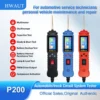
At the Escáner Automotriz Rojas academy, we always follow one core rule: test before you spend. If you plug your scanner into any vehicle and it won't link, grab a digital multimeter (or a professional logic probe from our automotive electrical maintenance tools section) and run this 3-minute check on the 16-pin connector under the steering column:
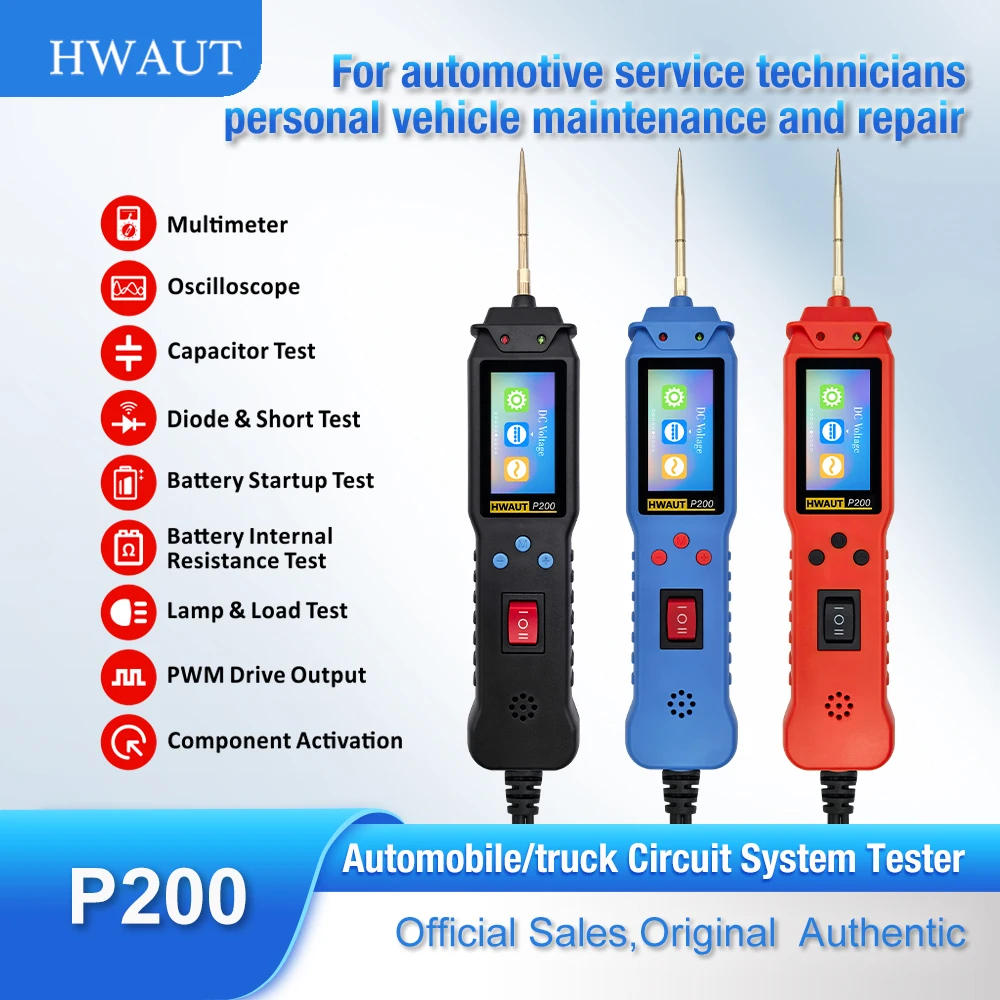
- Step 1 · Check Constant 12V on Pin 16 (Battery Power): Set your multimeter to DC Volts (20V DC). Place the black lead on a clean bare-metal chassis bolt and touch the red lead to Pin 16 (bottom-right corner of the connector). Even with the ignition off, you should read between 12.2V and 12.7V.
What if it reads 0V? Your scanner won't even power on. This isn't a computer failure: check the interior fuse box and replace the blown cigarette lighter / accessory outlet fuse (typically 10A, 15A, or 20A). - Step 2 · Verify Both Grounds on Pins 4 and 5 (Chassis and Signal Ground): Keeping the red lead on Pin 16, move the black lead to Pin 4 (Chassis Ground) and then to Pin 5 (Signal Logic Ground). On both pins, your multimeter must still read the same 12.2V to 12.7V.
Why is Pin 5 so important? Many vehicles have a solid ground on Pin 4 (which is why the scanner screen powers up), but have a corroded or open Pin 5, preventing the scanner's processor from interpreting data voltages and triggering the infamous "Link Error". - Step 3 · Measure Communication Voltage on Pins 6 (CAN High) and 14 (CAN Low): Now turn the ignition key to the ON position (dash lights on, engine off). Place the black multimeter lead on Pin 4 (ground) and probe with the red lead:
- On Pin 6 (CAN High), you should read an average voltage between 2.6V and 2.8V.
- On Pin 14 (CAN Low), you should read an average voltage between 2.2V and 2.4V.
- The acid test: When you add the Pin 6 voltage plus the Pin 14 voltage together, the sum should always be close to 5.0V (for example: 2.7V + 2.3V = 5.0V).
Immediate Verdict: If you have 12V on Pin 16, solid grounds on Pins 4 and 5, your CAN lines add up to roughly 5.0V, and you are working on a 2020 or newer vehicle that still shows a "Link Error", your electrical diagnosis is complete: the vehicle's network is healthy, and the only thing holding you back is that your scanner lacks the CAN-FD protocol.
4. Which Native CAN-FD Scanner Should You Choose for Your Work?
Just a couple of years ago, scanning a vehicle with a CAN-FD network meant buying tablets costing over $25,000 MXN or paying for external adapters that easily get misplaced around the shop. Today, that technology has become accessible and you can pick the exact tool that fits your workflow:
A) The Everyday Workhorse for Repair Shops & Advanced DIYers with 2020+ Vehicles (Mid-Range, Zero Annual Fees)
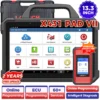
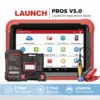
If you want the smartest investment on the Mexican market to service both older vehicles (1996–2019) and new 2020–2026 platforms without paying a single peso in annual subscription fees, you need a tablet with the CAN-FD transceiver already soldered onto its mainboard from the factory:
B) When Should You Step Up to an All-System Scanner with Bidirectional Control?
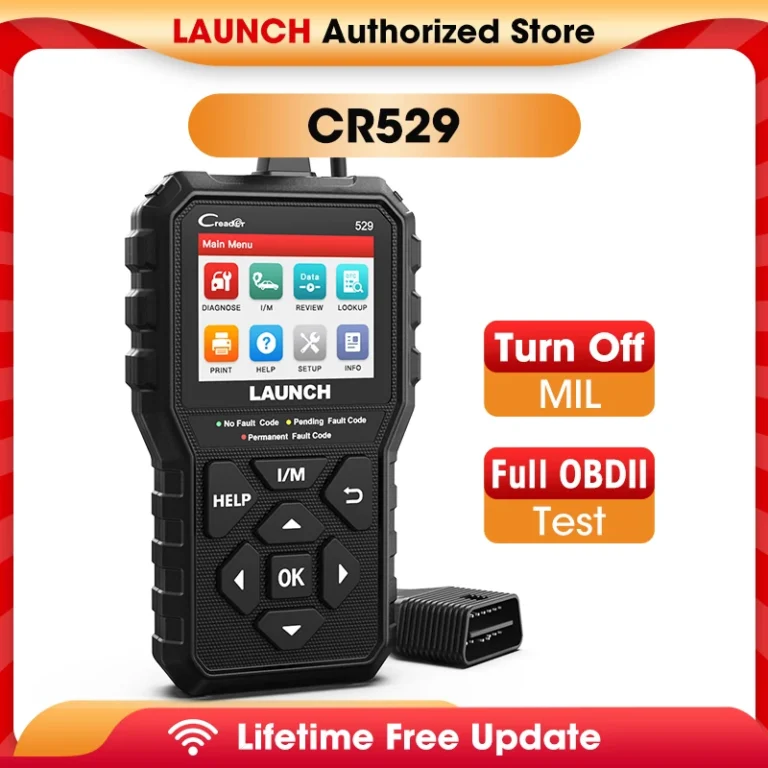
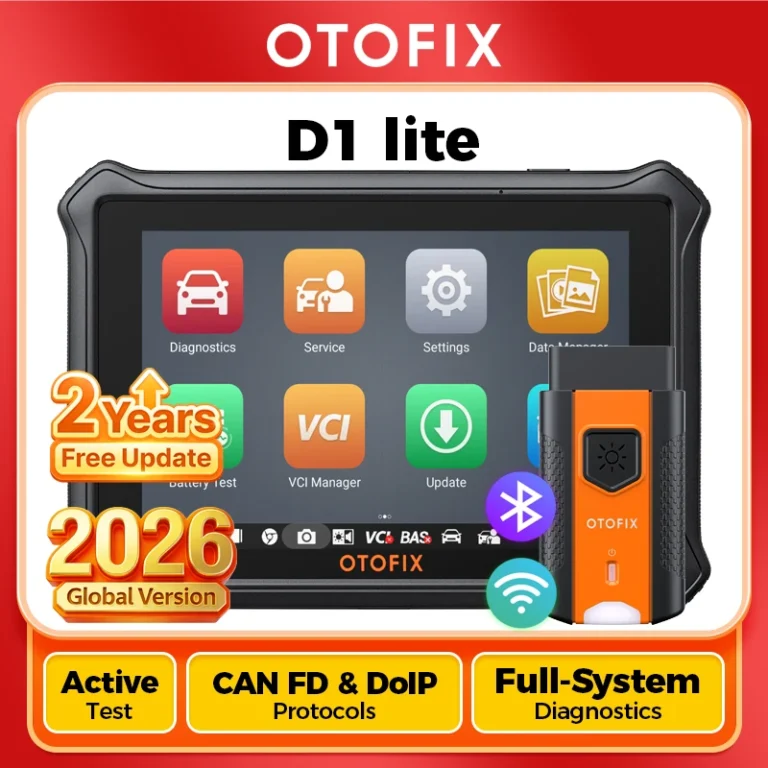
If your shop tackles deeper electronic faults—where beyond Engine, Transmission, ABS, and Airbags you also need access to the Body Control Module (BCM), A/C, electric power steering, or to run bidirectional active tests (commanding cooling fans on, activating fuel pumps, or testing solenoids right from the screen)—the next step up with wireless CAN-FD support is the OTOFIX D1 Lite Bidirectional Scanner (backed by Autel engineering). And if you only own a 1996–2019 vehicle at home and simply want to clear a Check Engine light and prep for emissions testing, keep in mind that the LAUNCH CR529 OBD2 gets the job done at a fraction of the cost.
5. Frequently Asked Questions About the CAN-FD Protocol and Communication Errors
1. Does a scanner with the CAN-FD protocol also work on older or pre-2020 vehicles?
Yes, 100%. Tools like the TOPDON AD600S or OTOFIX D1 Lite are fully backward-compatible. In addition to the new CAN-FD protocol, they include all legacy protocols (Classic CAN ISO 15765-4, KWP2000, ISO 9141-2, SAE J1850 PWM, and VPW), so you can seamlessly scan vehicles from 1996 through 2026 with a single tool.
2. Do I need to buy an extra cable or adapter to use the CAN-FD protocol on the TOPDON AD600S?
No. Unlike previous-generation scanners that force you to purchase a separate CAN-FD adapter dongle, the TOPDON AD600S already builds the CAN-FD hardware directly into the tablet and its standard 16-pin OBD2 cable.
3. Is the CAN-FD protocol the same thing as the Chrysler/Jeep/RAM SGW lock?
No—they are two different things, even though both can exist on the same vehicle. The CAN-FD protocol is the "speed and language" of the data network, whereas the SGW (Security Gateway) module is a security firewall on FCA models (2018+ Chrysler, Jeep, Dodge, RAM, Fiat) that allows reading fault codes but requires authentication or a bypass cable to clear codes or run active tests. If you service these brands frequently, message us on WhatsApp so we can recommend the exact setup.
4. What should I do if measuring pins 6 and 14 with a multimeter gives me a steady 0V or 12V?
If instead of hovering between 2.2V and 2.8V you read 0V or 12V on the CAN High (Pin 6) or CAN Low (Pin 14) lines, you do have an electrical fault in the vehicle's wiring (a short to ground, a short to power, or a shorted module pulling down the network). In our Post #10, we will walk you step by step through tracing network drops and U0100 codes.
Don't let a modern vehicle drive out of your shop—or leave you guessing in your garage—because of a tool stuck in the last decade. If you want to confirm in under 2 minutes whether the TOPDON AD600S or the OTOFIX D1 Lite covers the exact make, model, and year sitting in front of you, send us a direct WhatsApp message here and our technical support team in Mexico will advise you with no obligation.